
Lattice Developer Console
The Lattice Developer Console gives you a consolidated view of your data in Lattice. Use it to inspect and debug entities, tasks, and objects. The Developer Console is now the default app on Lattice Sandboxes at https://your_lattice_url.com/developer-console, but you still have access to the operator view at https://your_lattice_url.com/c2.
What’s new
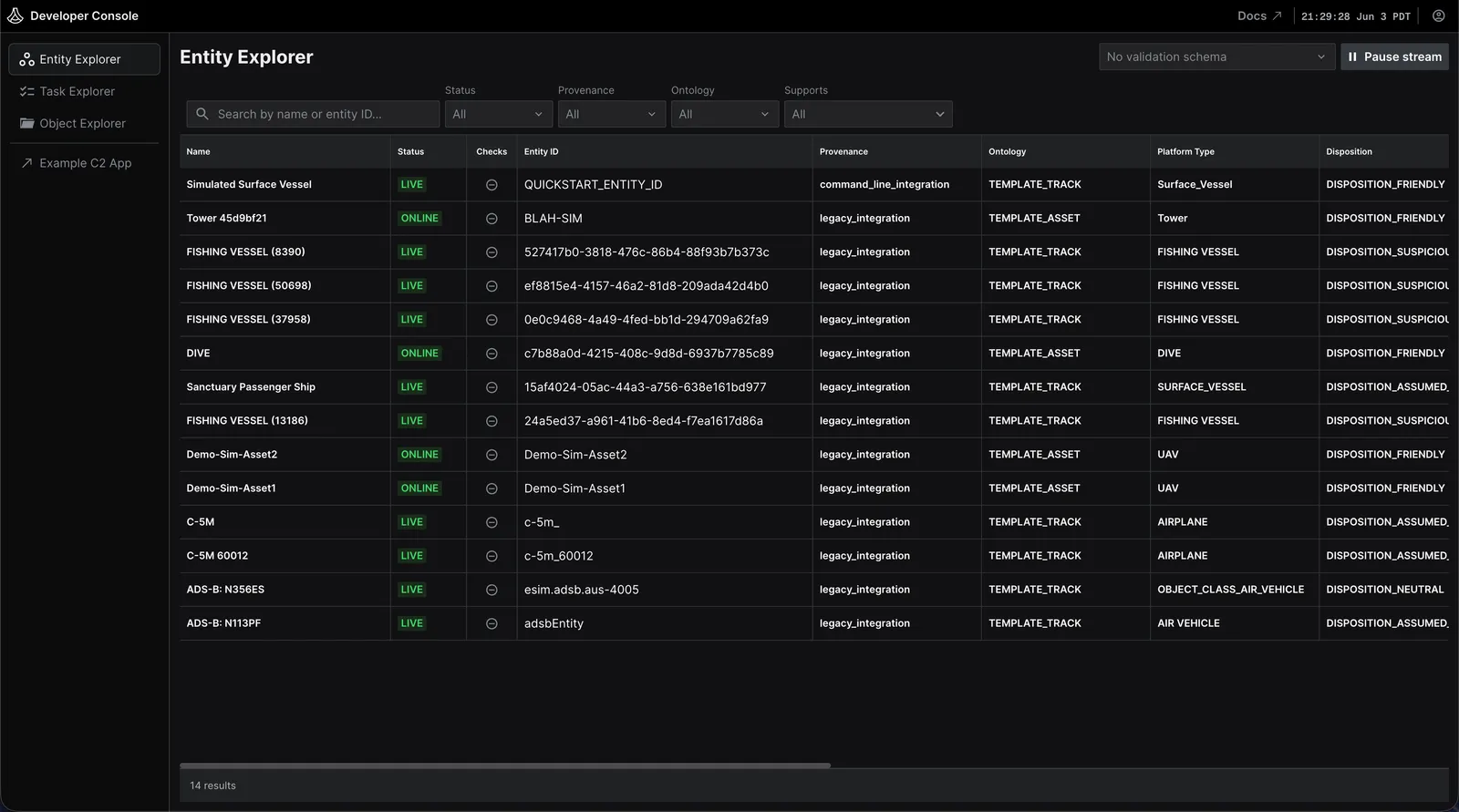
- Entity Explorer: Browse, filter, and search every entity in your sandbox. Open one to inspect its components and tasks, and validate it against provided schemas to confirm it’s well-formed.
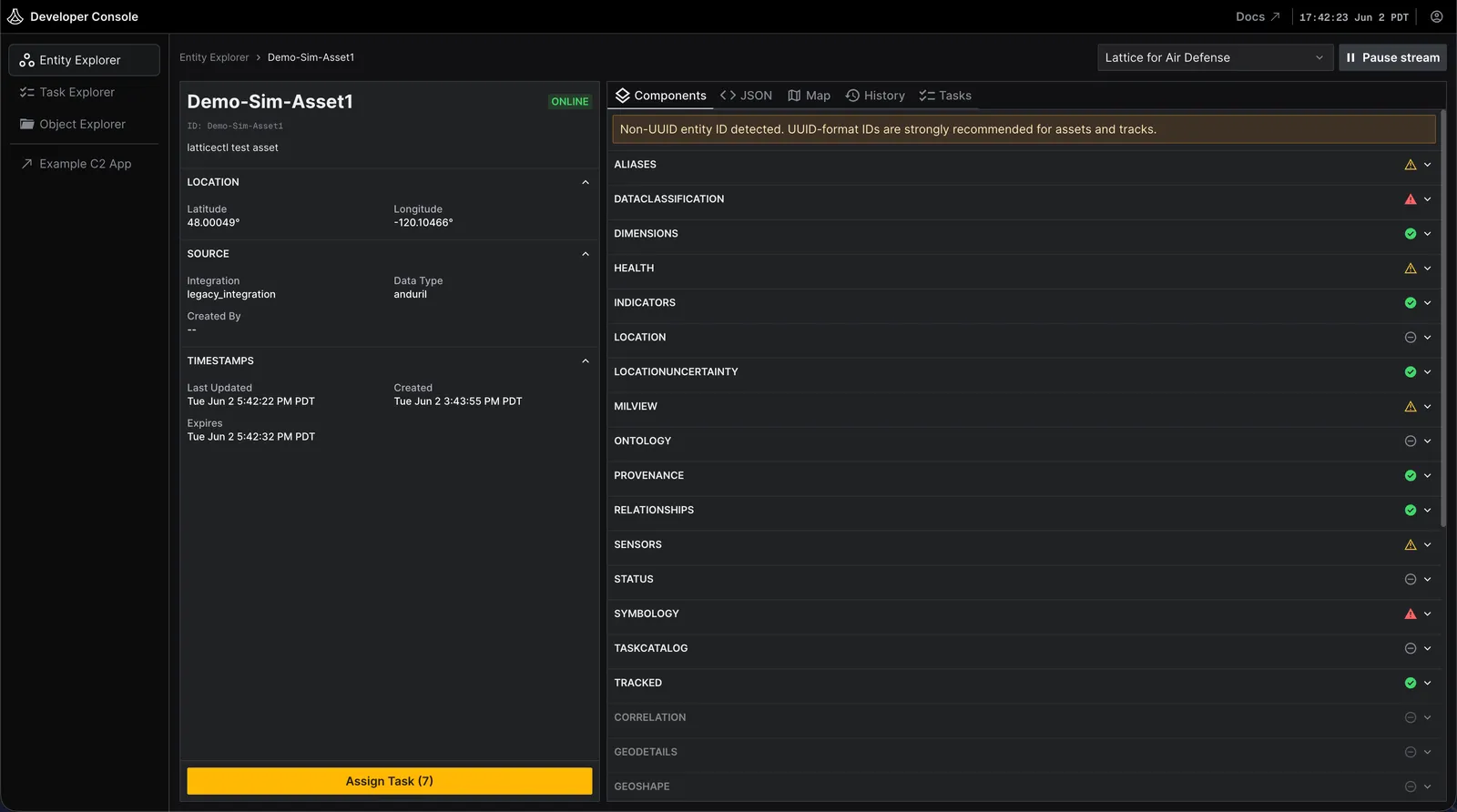
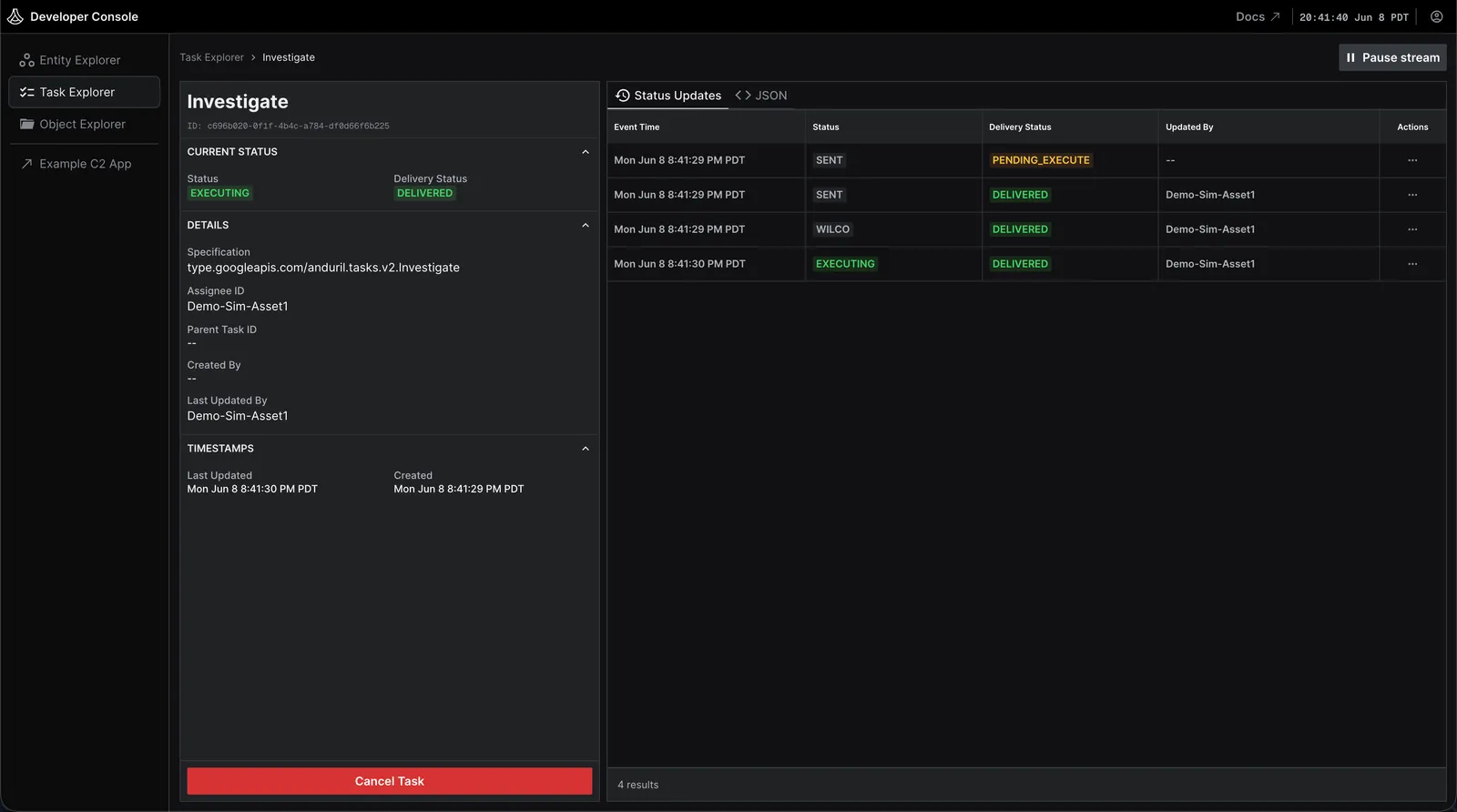
- Task Explorer: Browse every task and inspect its status, lifecycle, and payload.
- Object Explorer: Browse the objects stored in your sandbox.

The example C2 app remains available and is linked from the Developer Console as the Example C2 App.
To get started, see Lattice Sandboxes in the Lattice SDK guide.