
Create video streams
Publish a camera asset and start an RTSP, MPEG-TS or SRT ingress stream.
Publish a camera asset entity, start an ingress stream over RTSP, MPEG-TS or SRT, and attach the stream to the entity so operators can view the feed in the Lattice UI.
Before you begin
- To publish a camera asset and start a stream, set up your Lattice environment.
- See an overview of the Video Manager API and stream lifecycle in Lattice.
These gRPC examples authenticate with a static environment token attached as request metadata. If you are using OAuth 2.0 client credentials instead, set up the token refresh module before running the examples on this page.
Start a stream
Lattice supports the following video streaming protocols:
RTSP
MPEG-TS
SRT
If you don’t already have an RTSP source, stand one up with MediaMTX:
Install MediaMTX
Download a pre-built MediaMTX binary for your platform from the MediaMTX releases page and place it on the host that publishes the camera feed.
Configure the RTSP listener
In your mediamtx.yml, set the RTSP listener address and define a /cam or similar path that reads from the local camera.
Set source to match your camera; see the MediaMTX paths documentation for the available source types.
Before attaching a video to an asset, the asset must exist as a Lattice entity. Publish a camera entity with the
TEMPLATE_ASSET ontology and a PlatformType of CAMERA, then refresh it on a heartbeat so it does not expire:
Publish a camera
Construct an Entity with the components Lattice needs to render a friendly land-based camera asset on the common
operational picture (COP). ExpiryTime is set five minutes out and paired with a five-second publish loop, so the entity stays alive as long as the publisher runs.
The heartbeat loop is the simplest pattern for keeping a transient asset alive. For long-running deployments,
consider publishing from a supervised service that resets ExpiryTime based on hardware health rather than a fixed interval.
Once packets start arriving, operators select the camera asset in Lattice to view the live feed.
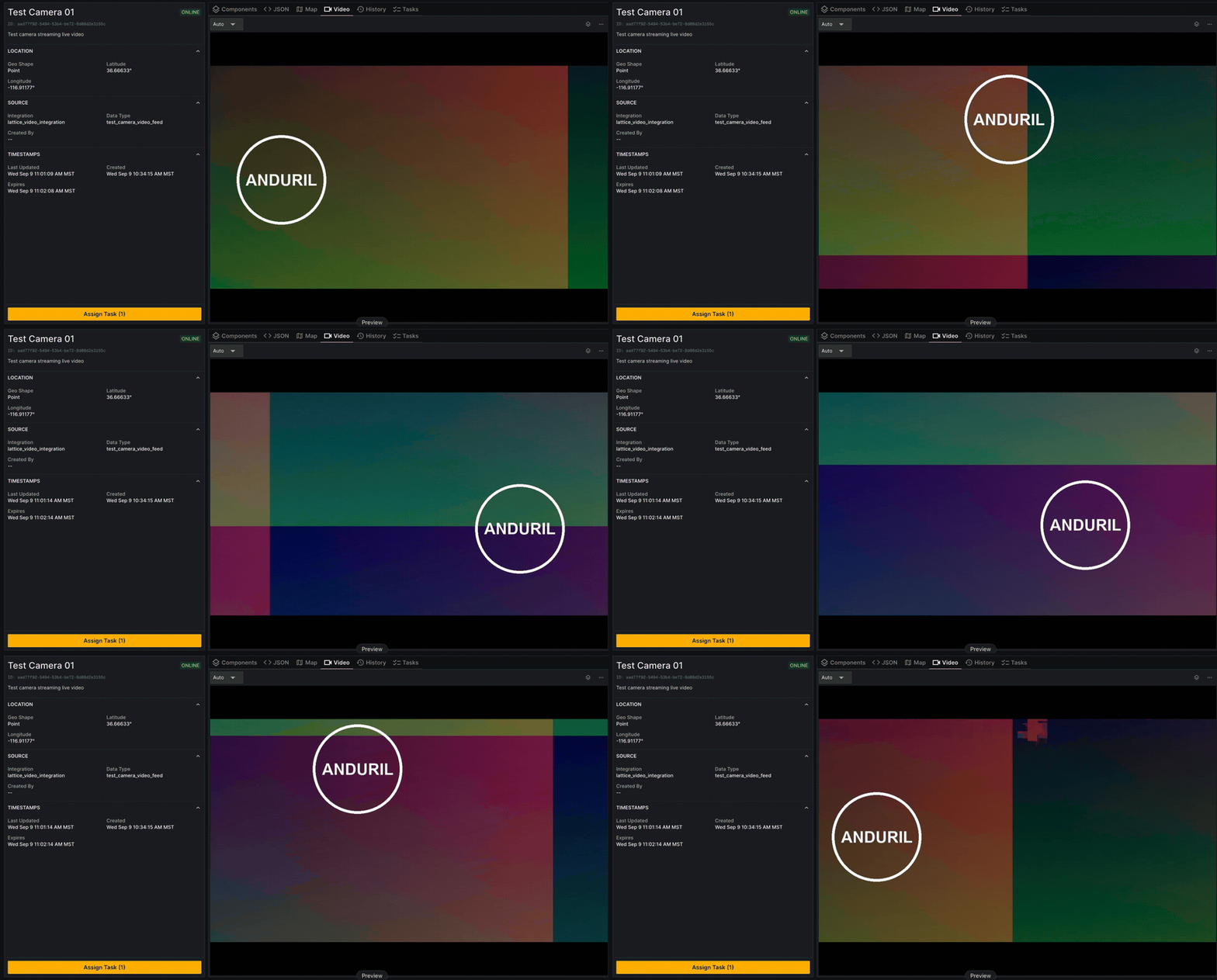
Re-publish a stream to a downstream consumer
An egress stream re-publishes a live stream out of Lattice so an external consumer, such as another C2 system, a recorder, or an analytics pipeline, can pull the feed. A single ingress stream can feed many egress consumers, each with its own transport and egress stream.
Creating an egress stream requires the ingress_id of a live stream. Use the ID returned when you
started the stream, or discover it with ListIngressStreams.
The source must be live: Lattice rejects a stream whose status is STREAM_STATUS_UNAVAILABLE as not-live.
CreateEgressStream returns an egress_id. Persist it to retrieve or
stop the egress stream later. Egress over both RTSP and SRT is pull-based:
Lattice hosts the endpoint and the downstream consumer connects to pull the feed.
RTSP
SRT
Lattice hosts an RTSP server for the egress stream and returns the URL to distribute to consumers. Send empty RTSP settings
to select the transport; no source URL is needed, because Lattice sources the frames from the ingress stream. The response
contains an RtspEgress with a url that downstream consumers pull from:
What’s next
- Learn how to manage existing streams.